
The fastest way to make Tesla Powershare backup last longer is to cut your biggest loads first. In a Texas outage that almost always means the AC in summer and the heat strips in winter. A few settings before the storm and a few habits during it can turn about a day of backup into several days.
The numbers below use our standard Powershare package: two Powerwall 3 plus a Tesla Model 3, Model Y or Cybertruck. If you want numbers for your own home, plug it into our free Powershare backup calculator.
Have a generator or a different home battery? The load tips below still apply. See our battery backup and generator pages for those systems.
Know your big loads
Most of the power in a house goes to a handful of things. Here is roughly what each one pulls while it runs, and what to do with it during an outage.
| Load | Power while running | During an outage |
|---|---|---|
| Central AC, 3.5-ton | about 4.5 kW | Set it a few degrees warmer, around 78°F |
| Electric heat strips | about 10 kW (2,200 sq ft home) | Keep the heat on, keep the strips off |
| Electric water heater | about 4.5 kW | Short showers, skip hot laundry |
| Electric dryer | about 5 kW | Wait it out or hang dry |
| Electric oven or range | about 5 kW | Microwave or grill instead |
| Pool pump, single speed | about 2 kW | Turn it off or run it a short time |
| Hot tub | about 4 kW | Turn it off |
| Fridge | about 0.2 kW | Leave it on, keep the door closed |
Two Powerwall 3 can put out about 23 kW at once, so running several of these together is fine. The issue is energy: every hour a big load runs takes hours off your backup.
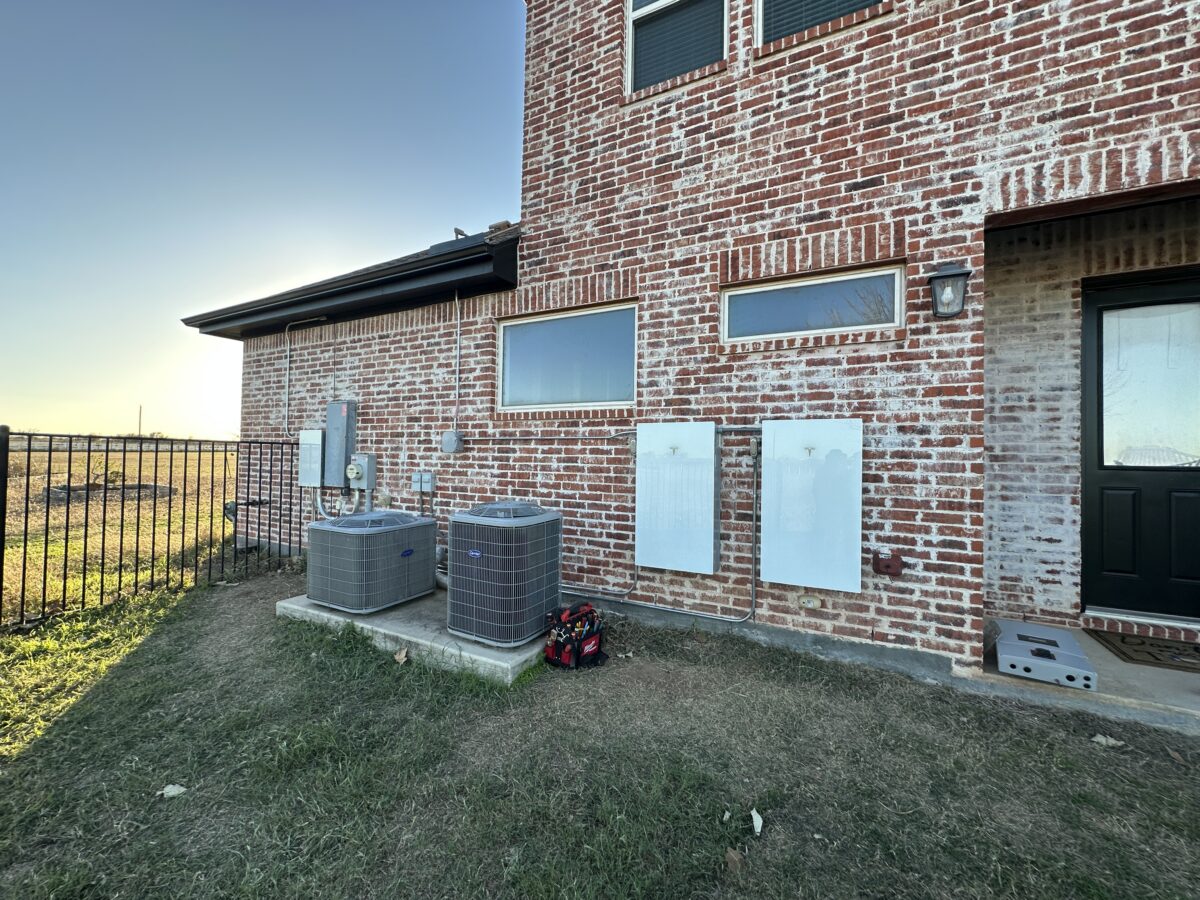
Before the storm
Fill Powerwall 3
Turn on Storm Watch in the Tesla app. It charges Powerwall 3 to full when a severe-weather alert hits your area.
Charge the car to 100%
Most people charge to 80% day to day. Before a storm, go to 100% and keep it plugged in at home.
Pick how much of the car to use
You choose how much of the car’s battery Powershare can use, so you always keep enough to drive. Long outage? Top off at a Supercharger that still has power and bring it home.
Pre-cool or pre-heat
If a storm is coming, cool or warm the house a little extra while the grid is still up. The house holds that temperature for hours.
Summer outage: the AC is everything
In a heat wave the AC is about 70% of what a Texas home uses in a day. Every degree matters.
- Set the thermostat a few degrees warmer than normal. Around 78°F is a good outage setting.
- Close blinds on the sunny side of the house and keep doors shut.
- Skip the dryer, the oven and the pool pump until the grid is back.
- Don’t charge the car from the house during an outage. That just moves energy in a circle.
In our model, a 2,200 sq ft home with a 3.5-ton AC uses about 67 kWh on a 105°F day. With two Powerwall 3 plus a Model Y Long Range that lasts about 1.1 days with everything running. Turning the thermostat up and skipping the big extras stretches it to about 1.6 days. Going to essentials only stretches it past 11 days. The full tables are in how long a Tesla can power a Texas home, summer vs winter.
Winter freeze: keep the heat on, skip the strips
Never turn the heat off in a freeze. What matters is how you heat.
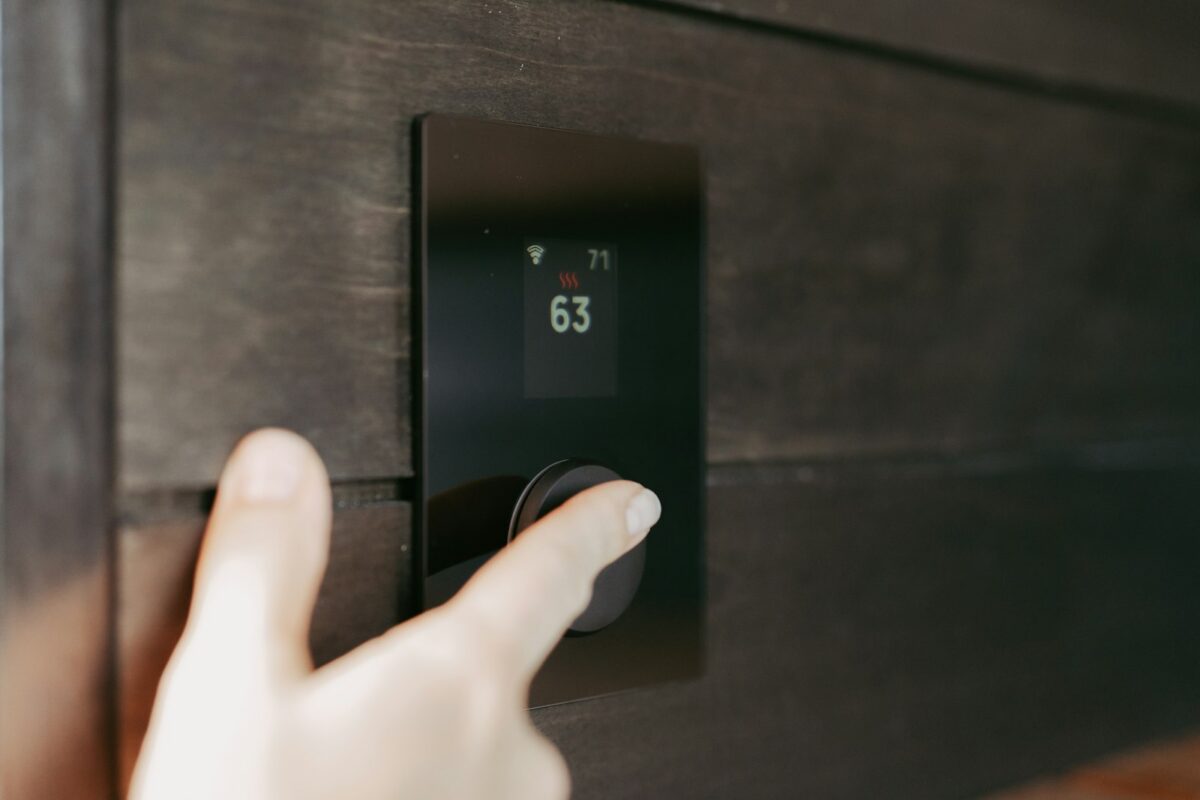
- Gas furnace: the best case. Only the blower runs on electricity, so the same home uses about 28 kWh a day.
- Heat pump: fine on its own. The problem is the backup heat strips that kick in when it gets really cold.
- Heat strips: about 10 kW for a 2,200 sq ft home. On strips, two Powerwall 3 plus a Model Y last about 11 hours. Keep the heat on but the strips off, and set the thermostat a few degrees lower, around 68°F.
A strip lockout on your thermostat or air handler keeps the strips from running during an outage. Ask your HVAC company about one if you heat with strips.
Big AC units and motor starts
A 4 or 5-ton compressor pulls a short surge every time it starts. Each Powerwall 3 is rated for 185 A motor starts. On larger systems our HVAC partner usually adds a soft start so the AC starts cleanly on backup power.
Bare minimum vs normal use
Our Powershare backup calculator has a slider from Bare minimum to Normal use. Here is what each setting means in real life:
- Bare minimum: fridge, lights, internet and fans. AC off or way up. About 7 kWh a day. This is the setting that gets you through a long outage.
- Energy smart: everything stays on, but you are careful. Thermostat a few degrees higher, one big appliance at a time, pool pump and hot tub at about half.
- Normal use: life as usual. AC at your normal setting and everything on whenever you want. This is what drains backup fastest.
Most people start on Energy smart and drop to Bare minimum if the outage drags on.
Upgrades that help
- Soft start on the AC: lets bigger AC units start cleanly on battery. Installed by our HVAC partner.
- SPAN smart panel: a full panel replacement that lets you shut off circuits from your phone, or have them drop off automatically during an outage. It costs much more than a regular panel, so it’s an upgrade, not a must.
- Solar: a bonus, never required. On a sunny day it refills Powerwall 3 during the outage.
- More Powerwall 3: more stored energy for homes with big loads that have to stay on, like a well pump or medical equipment.
On install day we set up and test everything in the Tesla app before we leave, and walk you through the outage settings.
Be ready before the next outage
Send us a few photos of your home’s electrical setup. We usually quote the same day, no site visit needed, with financing available.
Want to compare first? See Powershare vs a standby generator or what we check before every Powershare install.
Frequently asked questions
What uses the most power during an outage?
Heating and cooling. In a 105°F heat wave the AC is about 70% of what a Texas home uses in a day. In a freeze, electric heat strips can pull around 10 kW on their own. After that come the water heater, dryer, oven, pool pump and hot tub, each in the 2 to 5 kW range while running.
Should I turn the heat off to save backup power?
No. Never turn the heat off in a freeze. Keep the heat on, set the thermostat a few degrees lower and keep the heat strips off. A heat pump without strips, or a gas furnace, uses a small fraction of what strips use.
How much longer does essentials only last?
A lot longer. Fridge, lights, internet and fans use about 7 kWh a day. With two Powerwall 3 plus a Model Y Long Range, that stretches backup from about a day with the whole home running in a heat wave to more than 11 days.
Do I need solar to make backup last?
No. Solar is a bonus. On a sunny day it refills Powerwall 3 during the outage, but backup works without it, and cutting your biggest loads usually does more than adding panels.
What should I do before a storm?
Charge the car to 100% (not the usual 80%), leave it plugged in at home, and make sure Powerwall 3 is full. Storm Watch in the Tesla app charges Powerwall 3 to full when a severe-weather alert hits your area. Then plan which big loads you will skip if the power goes out.